Write your first task
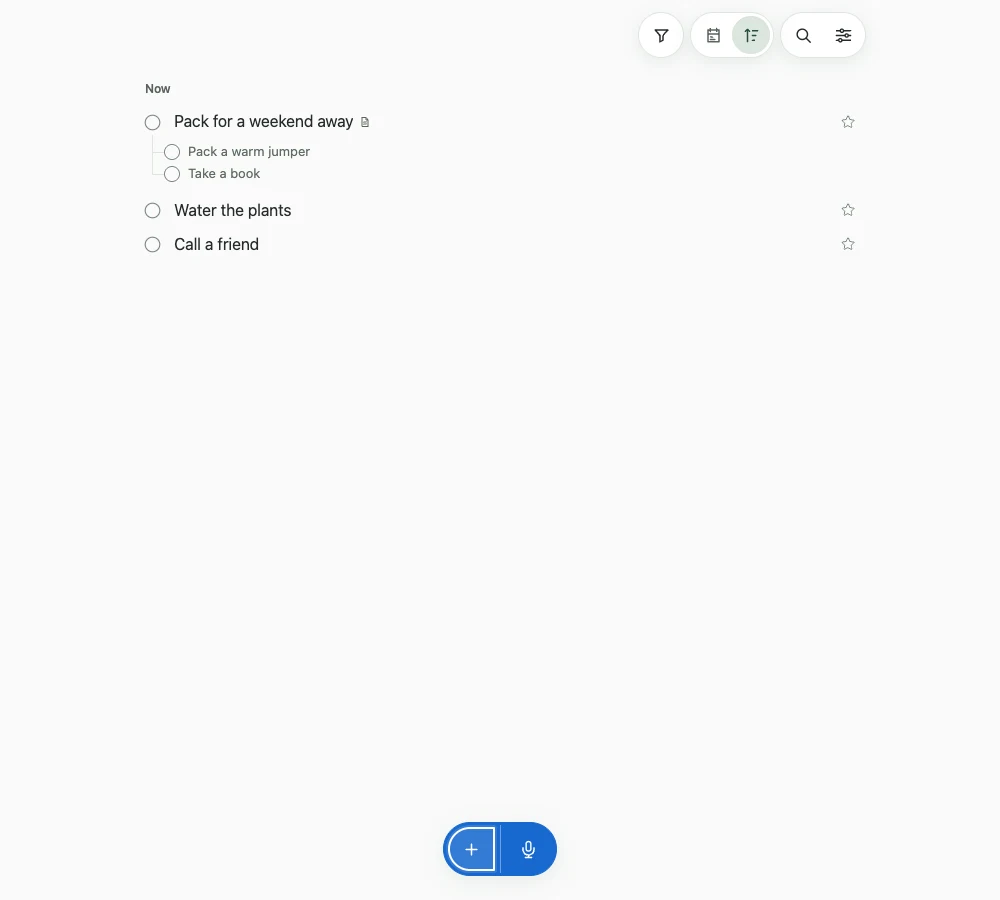
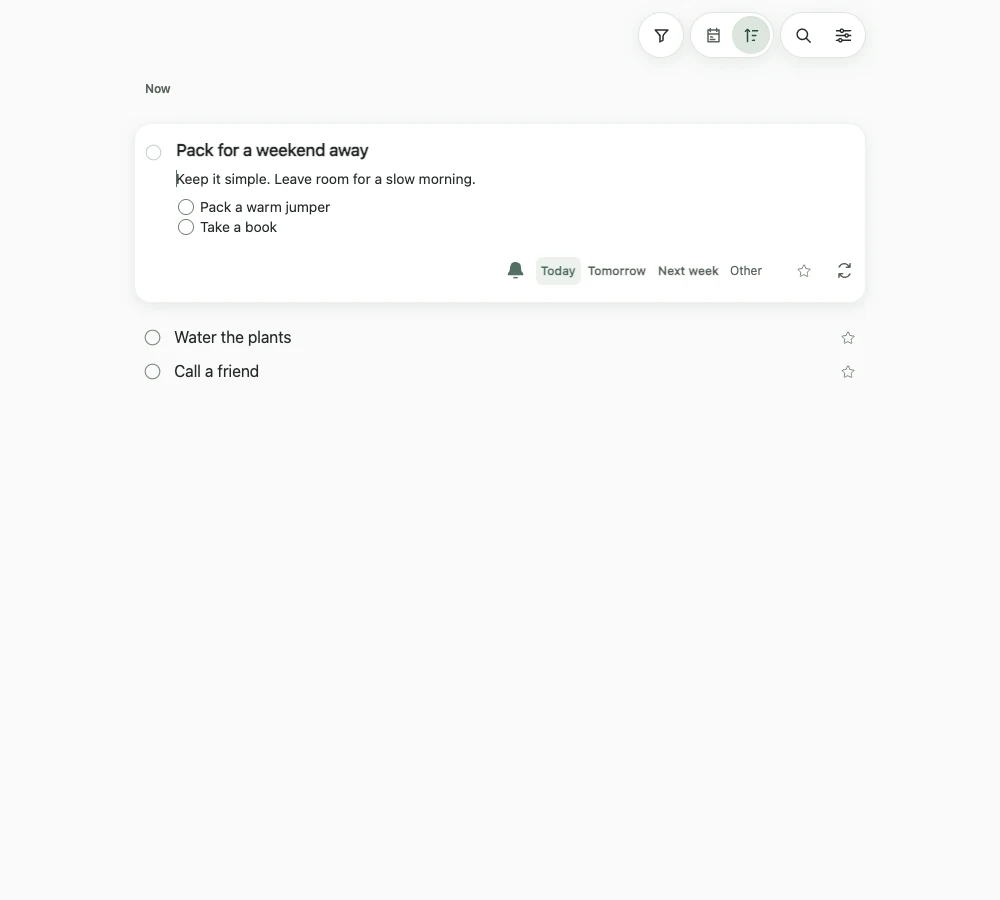
Open the task editor, write a short title, and save. Select a task to edit it. Add notes for the details you do not want to keep in your head.
Break a bigger task into subtasks in its notes. Check each small step as you finish it. Before closing, check that your changes were saved.
Watch a task open for editing
A short, silent example: select a task, open its details, then return to the list. Press Play when you are ready.
Back to topics